
Protect Your Business From Rising Cybercrime: Free Toolkit!
- admin
- May 13, 2023
- Latest Designs
- 0 Comments
Small to medium law firms account for almost 59% of legal practitioners in the legal space in South Africa, there is no doubt that small and medium law firms constitute an important part of the legal services sector in the South African economy. This article will guide you and give you access to a free toolkit to help you protect your business from rising cybercrime.
Due to the nature of sensitive data that legal practitioners deal with on a day-to-day basis, cybersecurity has now become a standard element that legal practices have to consider as part and parcel of their business systems to protect against any kind of security threats.
Hackers have advanced and heightened their tactics during the last three years and we have witnessed some of the most famous and largest cyber heists or hijacking of large-scale victims including government departments and multinational corporations across the world. Small and growing businesses have not been spared either, it becomes even worse for smaller-sized practices as they may not necessarily have invested time and resources in their cyber security infrastructure.
This puts small and medium businesses at a high risk of brute force attacks on passwords as the Kaspersky report indicates that one in three attacks was a result of brute forcing of passwords. Small and growing law firms may easily find themselves falling victim to random fence testing as cybercriminals sweep the internet for any vulnerabilities to exploit.
Brute force attacks can instantly disable accounts with repetitively used passwords and poorly configured systems that may have weak passwords giving malware software increased chances to accurately estimate and duplicate accounts or even lock the owners out of their own accounts.
Small Businesses Targeted
More than Fifty-five percent of cybercriminals target small businesses and the legal services sector is not immune to this and may even be more at risk due to the nature of its business that handles critical data which would be of high interest to various characters in the black market.
Experts expect the wave of the rise of cybercrime targeting SMEs to continue to intensify as the cybercriminal master minds know for a fact that many small businesses would not really have invested any notable attention to their IT infrastructure or departments. They expect that small businesses do not have dedicated IT departments or personnel with enough skills to keep their systems safe during attacks.
Some may even have reduced IT security budgets as they perceive long periods of calm as safety or ignorance never knowing they are always at risk of an imminent attack in terms of remote working protocols and unsecure network connections. Growing law firms are more vulnerable as they tend to ignore their digital systems and can be more predictable to attackers due to the repetitive and structured form of their operations, patterns may become obvious to predict and easily open up to attacks.
Free Cyber Security Toolkit
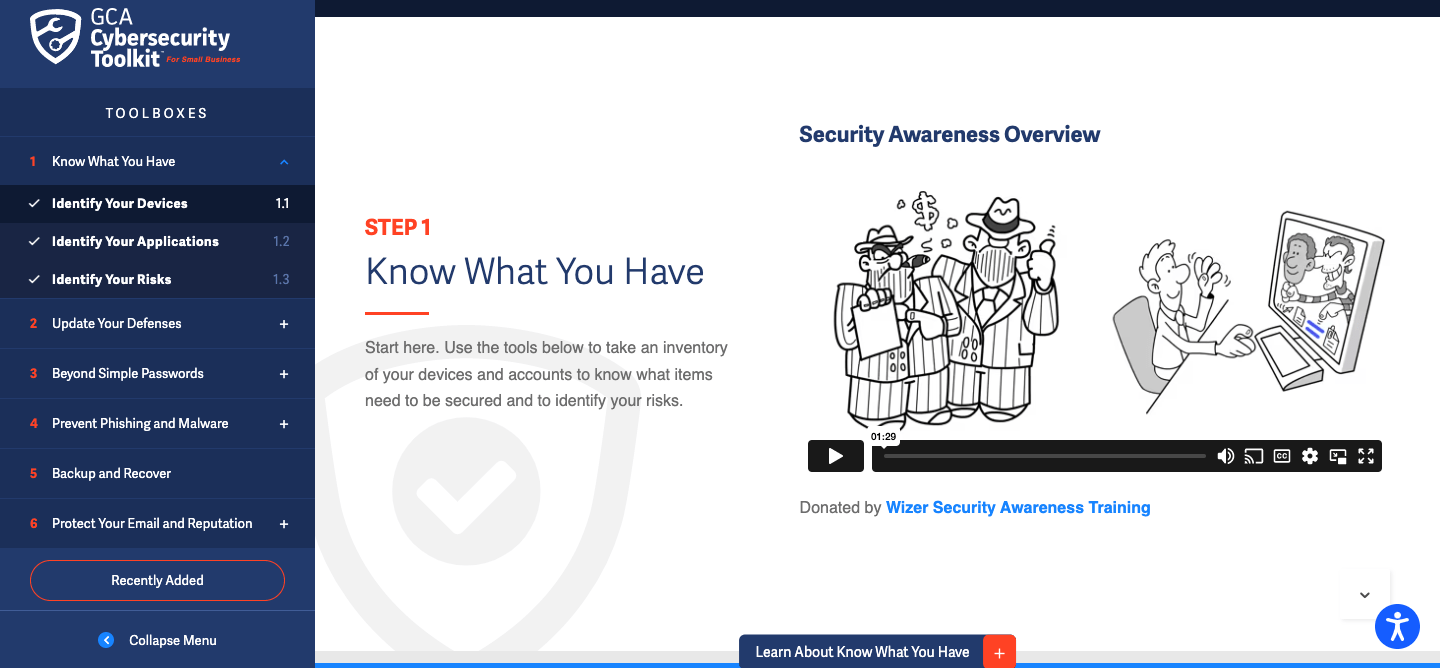
Small and growing law firms in South Africa can easily have basic to even advanced cybersecurity infrastructure that can be built for free and scaled u as the needs arise in the future. They can benefit from an initiative started by Global Cyber Alliance (GCA) and Mastercard has created a Free Cyber security toolkit for small businesses in South Africa. This toolkit is a helpful online resource that can help small businesses to reduce their cyber security risks drastically.
The toolkit offers actionable guidance with easy directions to install and build your base of cyberattacks combat systems such as phishing, malware, and ransomware all of which can devastate a small firm financially and the consequences can be disastrous.
How does The Toolkit Help My Business?
In a world of fast-paced technology developments where hackers are some of the most advanced IT specialists and developers, the GCA Cybersecurity Toolkit is the most accessible security partner for small businesses. It simply affords the small business owners the ability to have control of their own online security which puts them on a solid commanding footing in times of trouble, at least they do not have to panic but can able trust that they have a defensive wall that may be able to provide them with a certain level of safety from attacks.
The toolkit comes with fundamental security controls and guidance through videos, policy templates, and best practices from leading industry organizations.
Tools include details on tracking inventory of cyber-related assets, applying instant defenses through multi-factor authentication, maintaining strong passwords, preventing phishing and viruses, performing critical data backups, handling ransomware, protecting emails, and managing reputation.
As a development sponsor, Mastercard has shaped the priorities and early success of the GCA Cybersecurity Toolkit, helping millions of entrepreneurs and business owners around the world to protect themselves more comprehensively. Prospects of even advanced updates and innovations are promising as Mastercard has pledged $250 million to support small businesses over a period of five years.
“Security and safety are integral to Mastercard’s brand,” says Suzanne Morel, Country Manager, Mastercard South Africa. “As a proud supporter of small businesses – with a global goal to considerably expand that support over the next five years – we continue to develop better solutions to make payments secure, seamless, and convenient for SMEs and their customers.”
To access the free GCA Cybersecurity Toolkit, please visit https://gcatoolkit.org/smallbusiness.
Features Of the Tool Kit
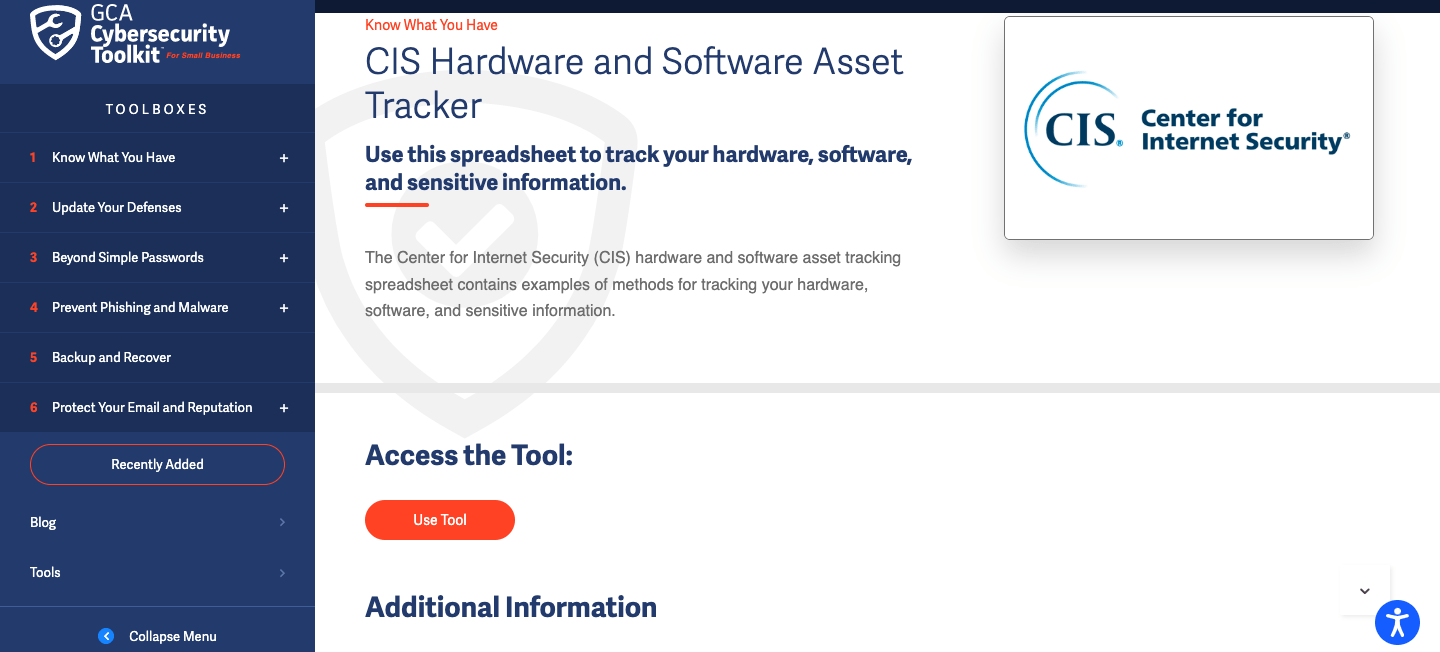
Identify Your Devices-This is an easy-to-use CIS hardware and software asset tracking tool that helps your organization with simple methods of tracking hardware and software and sensitive information in your organization. You only need 40 minutes maximum to set this up, your receptionist or anyone in the admin can do this with ease whilst they are still able to perform other functions of their daily responsibilities. Or you could simply grant them focus time of an hour to prep and ensure all the relevant departments provide him/her with the necessary required information.
Monitor Your Network Safety
Fing App is a free network scanner that allows an individual to discover all connected devices, run internet speed tests, and troubleshoot network and device issues. This is a free-to-use tool with the option for a paid premium version. Users are given 5 daily credits to use most of the tools. Once installed, the software will be set up to run automatically at startup and it comes with a number of free tools embedded within which allow you to do an awful lot of security configurations for your network information.
Security Scorecard Security Ratings
Security Scorecard is a cybersecurity ratings platform enabling an organization to
(1) instantly rate, understand, and continuously monitor its own cybersecurity risk as an organization and the third-party vendors/service providers it leverages to operate; and (2) exchange and validate cybersecurity questionnaires with the organization’s third-party vendors/service providers.
Security Scorecard is currently monitoring and rating nearly 1.5 million entities/companies on a daily basis. The rating platform is used by over 1,200 organizations globally, primarily for self-monitoring, third-party vendor risk management, and cyber insurance underwriting.
There is a plethora of more tools that could be used to good use in terms of protecting your firm from cyber attacks and upskilling your teams there are tutorials and certified courses to choose from.
Update Your defenses
This tool is equipped with a number of crucial tools to help you keep always ahead of attacks and potential risks by allowing your devices and portals to update automatically anytime there is a new software update etc.
The two most prominent are:
- Auto-Update Apple
Use this tool if you have an iPhone, iPad, or macOS device.
Updating your system ensures you are running the most updated software, which improves the security and efficiency of the device and reduces your risk of getting compromised. This tool will instruct you how for your iPhone, iPad, and macOS systems.
- Auto update Microsoft Office
This tool is important if you are running a Microsoft Office system on your devices.
Updating your system ensures you are running the most updated version, which improves the security and efficiency of the system and reduces your risk of getting compromised. This tool will instruct you how for your Windows operating system.
The tool also has a dedicated tool to help with Microsoft updates on Apple operating systems.
The toolkit has more features and tools inside that we can be able to write about in this article. The best thing would be to go on and click the links and see for yourself.